Know Your Real Baseline
Stop guessing. Measure your real WPM/accuracy in 60 seconds so every next session has a target.
Use This ModeMost typists stay stuck around 35-45 WPM because they practice randomly. Learn how to turn just 10 focused minutes a day into real gains in speed, accuracy, and confidence, then prove it with certificates and replay evidence.
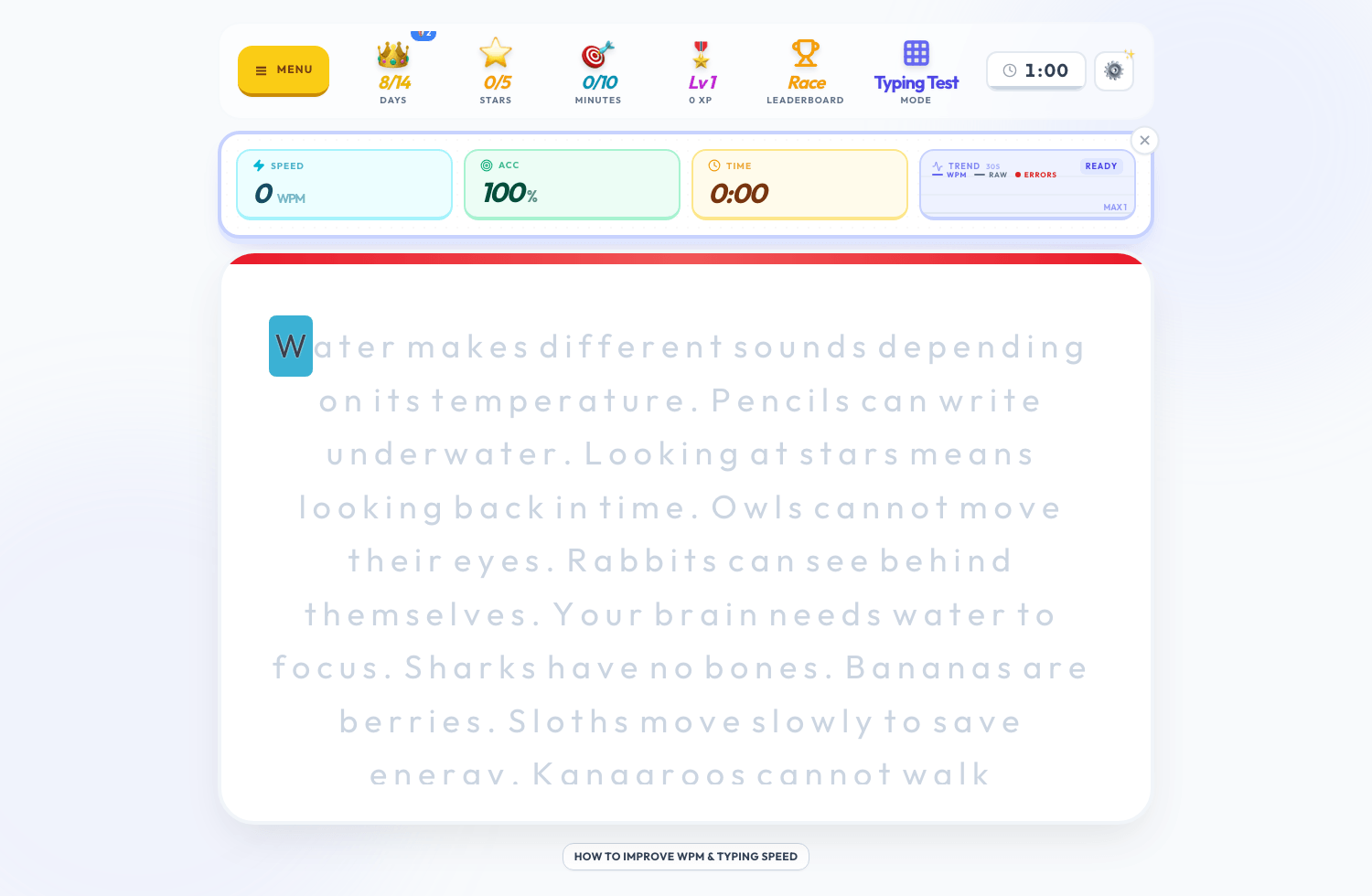
See speed and accuracy live, catch pacing dips immediately, and make fast adjustments before bad habits become permanent.
Open My Command CenterWhen you are stuck, you need the right drill at the right time. Use this cycle: benchmark, fix weak spots, retest, then pressure-test in races.
Stop guessing. Measure your real WPM/accuracy in 60 seconds so every next session has a target.
Use This ModeIf errors keep killing your speed, this mode helps you clean up mistakes so your WPM can rise safely.
Use This ModeBuild race-day confidence and composure so you can hold speed when the timer is on.
Use This ModeShort, fast reps to push finger speed and reaction time when you need to break plateaus.
Use This ModeNo random practice. Build fundamentals step-by-step so each week compounds.
Use This ModeTrain weaker fingers directly so they stop dragging your average speed down.
Use This ModeImprove right-hand control to stabilize rhythm and reduce inconsistent bursts.
Use This ModePractice exactly what you type daily: work docs, school text, scripts, or code.
Use This Mode
If your WPM is capped by errors, train accuracy first. If your accuracy is stable, shift to pace drills. This is how progress accelerates.
Diagnose My Bottleneck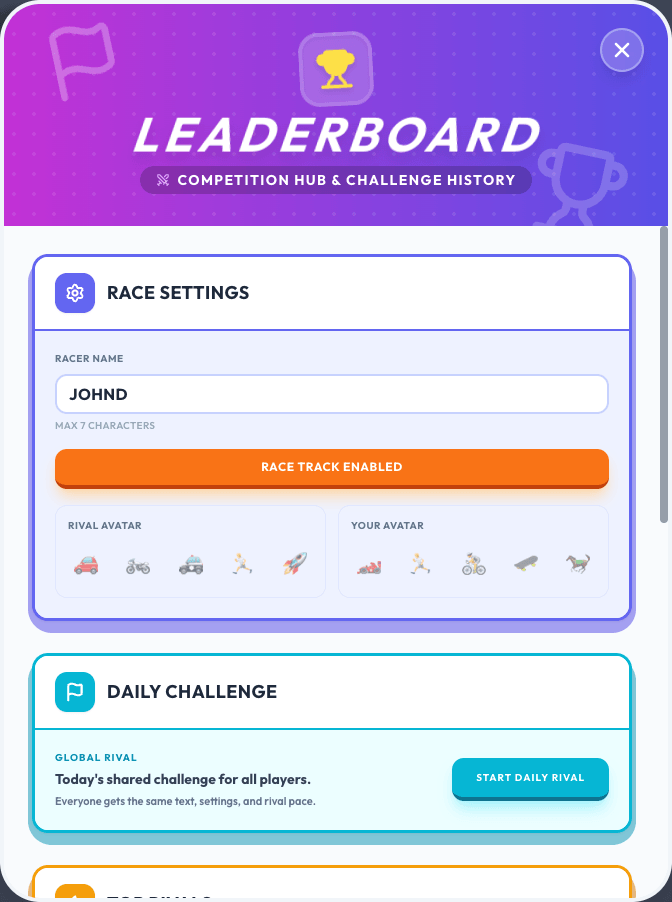
Races create urgency. Urgency increases focus. Focus improves pace and consistency. This is where many users push from average into 60+ WPM territory.
Race and Push My Limit
The live race track, XP, and progression loops make practice addictive in a good way, so you actually show up daily and improve.
Train With Momentum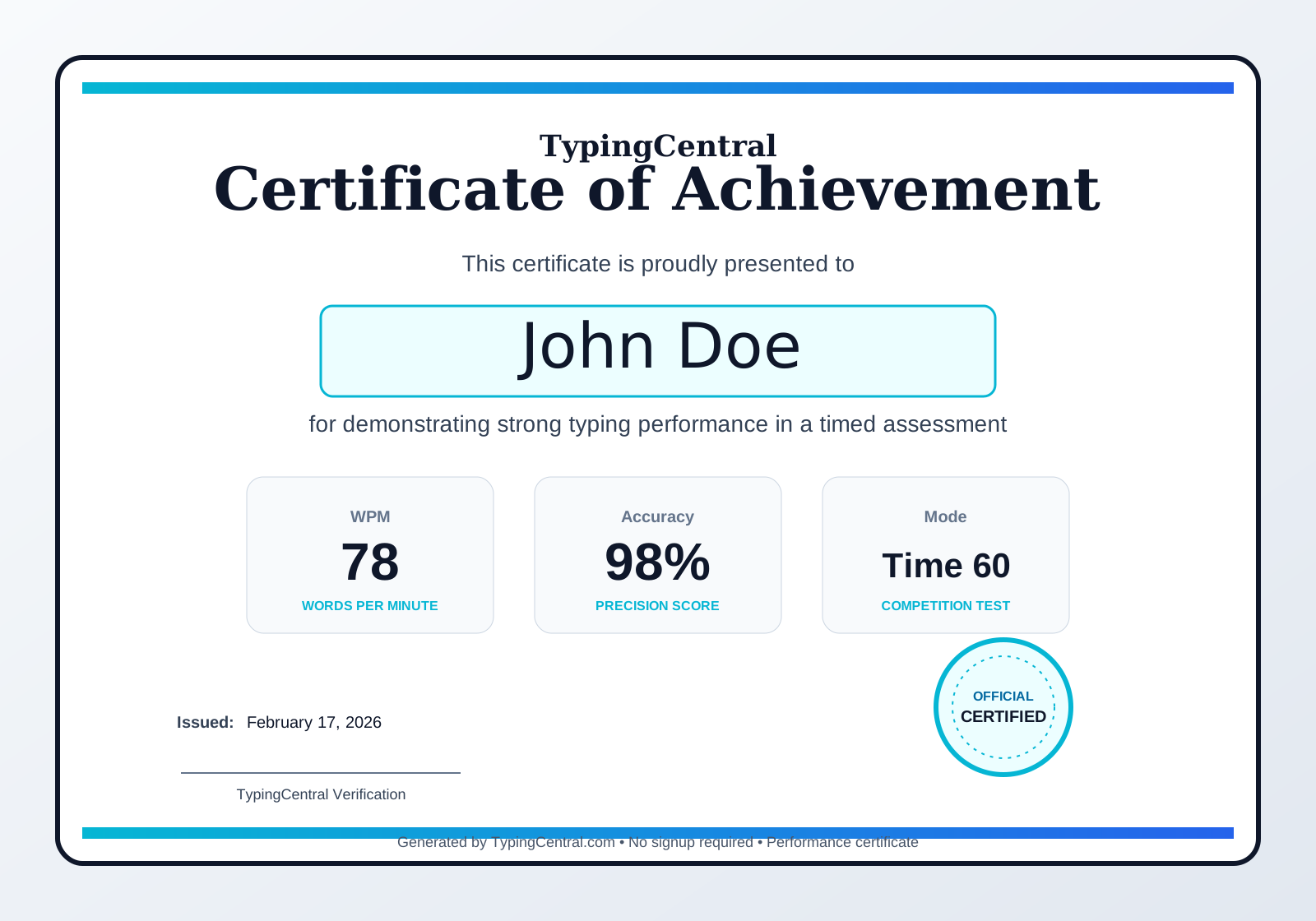
Do not just say you type fast. Prove it. Generate certificates you can show in interviews, applications, and portfolios.
Earn My CertificateRecord replays to prove progress over time, post milestone clips, and stay accountable when motivation drops.
Record My Progress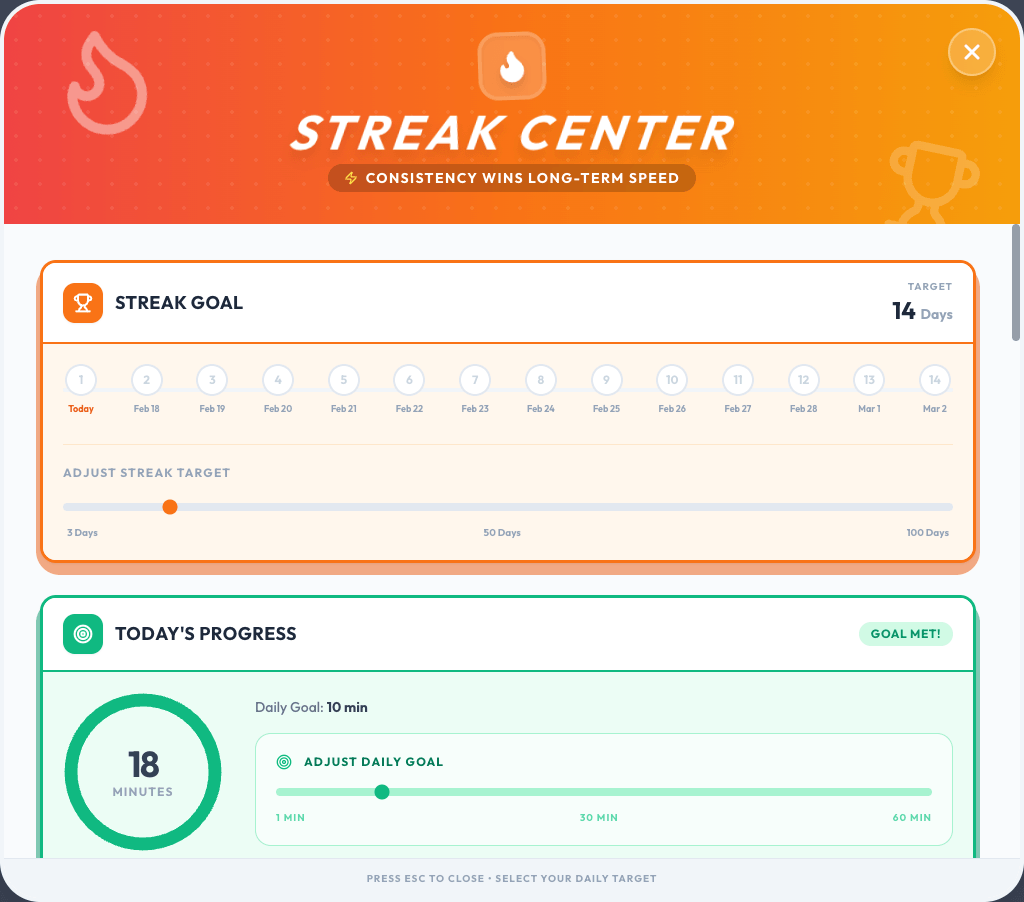
Big gains come from consistency, not random marathons. Keep streaks alive and small sessions compound into major WPM jumps.
Build My Streak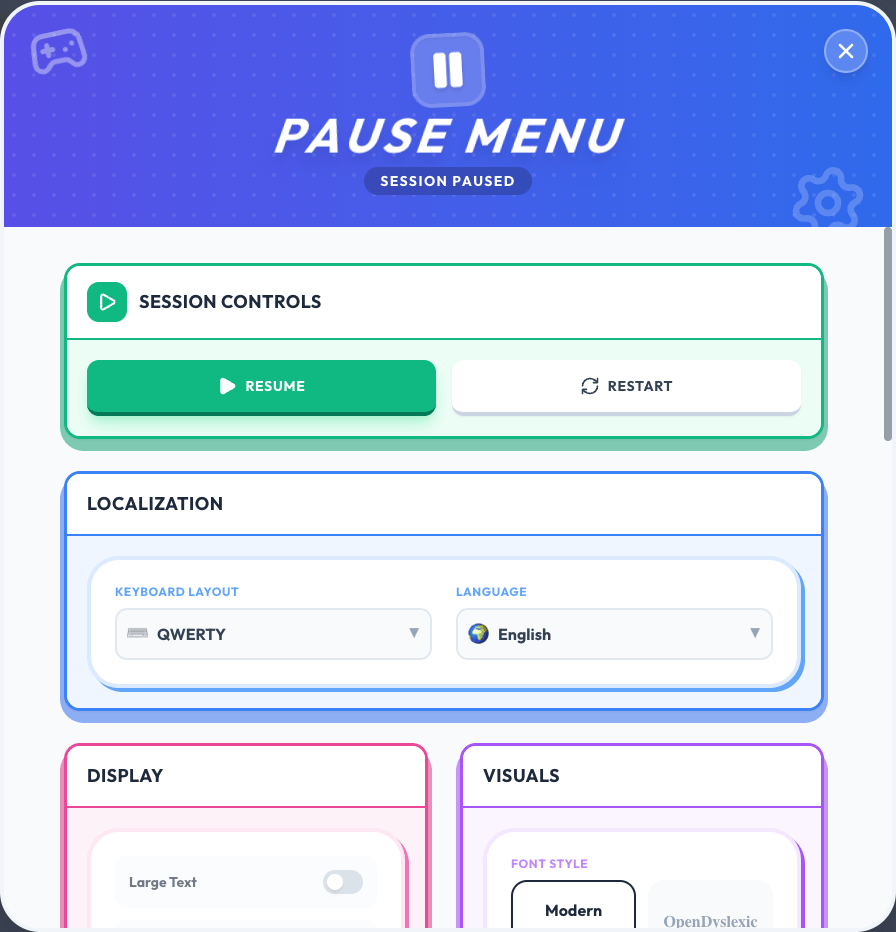
Switch to your language, your layout, and your reading preferences so cognitive friction drops and practice quality rises.
Personalize My SetupCapture race replay videos to document progress, publish social clips, or share verifiable proof of performance.
Run ghost races, save race history, copy/share challenge links, and rematch from leaderboard entries.
Track daily consistency, set your streak target, and protect streaks with freeze tokens.
Earn XP, levels, stars, and unlocks while tracking minutes and progression.
Generate typing certificates from completed runs and use them as credibility proof for school, work, or portfolio context.
Switch English, Spanish, French, German, Portuguese and keyboard layouts like QWERTY/AZERTY/QWERTZ.
Enable OpenDyslexic font style from Pause Menu > Visuals for better readability.
Every day you delay is another day at the same speed. Start now, train with intent, and turn your next 30 days into measurable typing gains.
Start My 60-Second Baseline